
Astronomy4 min
How Stars Die
The last light and what remains
Mathematics, made visible
Turn mathematics into stories you can see. Compose a scene, bring it to life, and make every step easier to understand. All in your browser.
01 / Made with Rheomyth
Play a complete visual lesson, then open the editor to build one of your own.
Explore all 13 tutorialsThe last light and what remains
Tracing the critical line through the complex plane
How populations change across generations
02 / Meet your workspace
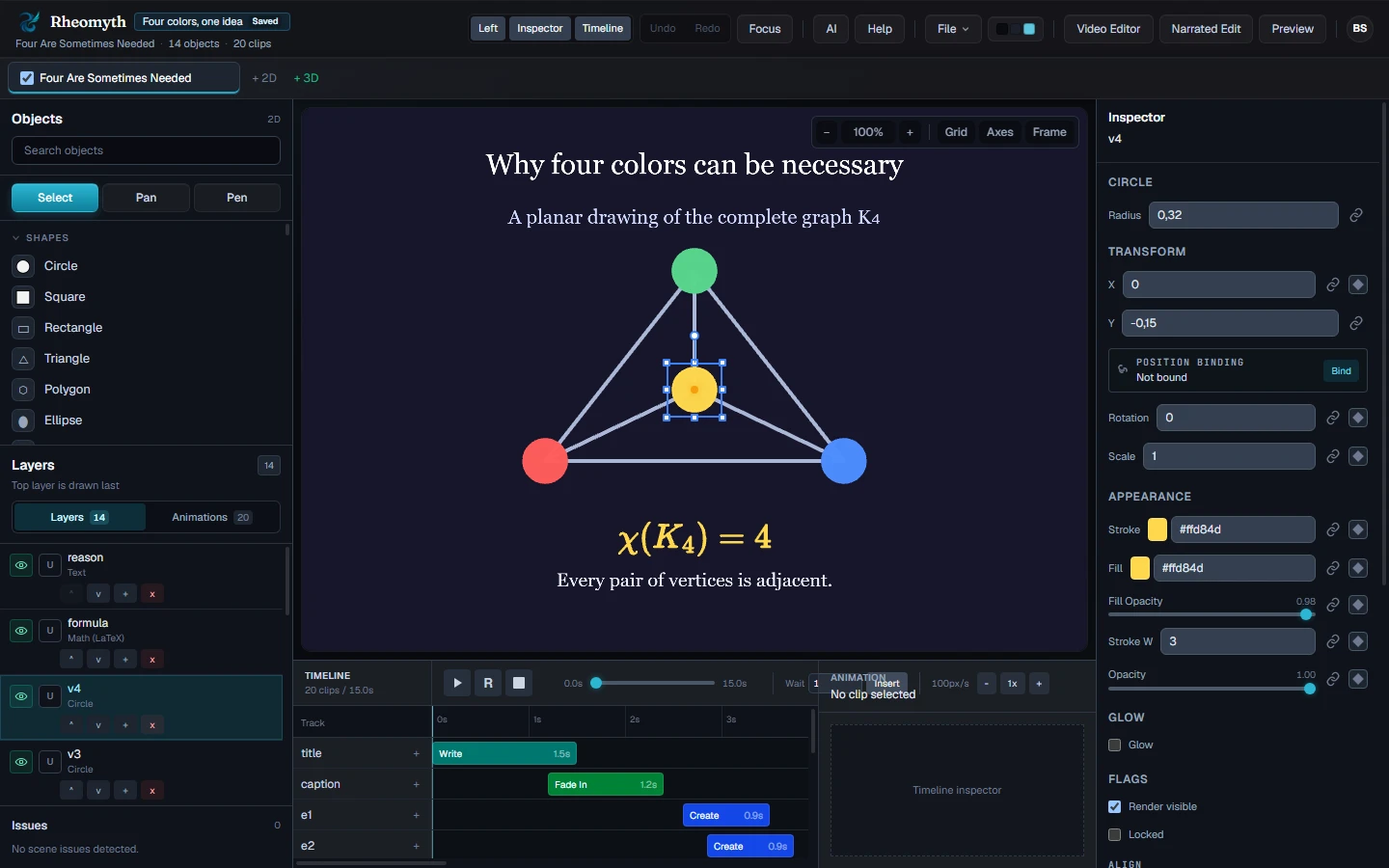
One place to compose, animate, and refine.
Take a closer look at the editor below.
03 / Make it your own
Describe the idea. Let AI draft a scene, then refine the objects, timing, and code to tell it your way.
“Show why a graph needs four colors. Build it one edge at a time.”
Work directly on the canvas, or explore the generated manim-web code in Live Code Preview.
Add narration, assemble your scenes in the Video Editor, and export a lesson worth sharing.
Explore the Video EditorA little guidance
Find object guides, animation references, and practical workflow tips.
From an idea to an “I get it.”
Start with a shape. See where it takes you.